On the contact page, you can access a lot of function to manage your contacts;
Find a contact to do so by entering people name into the “find a contact” bar. or click the down arrow at the right hand of the page to find a contact with a group.
Add contacts by clicking the “Add Contact” button.
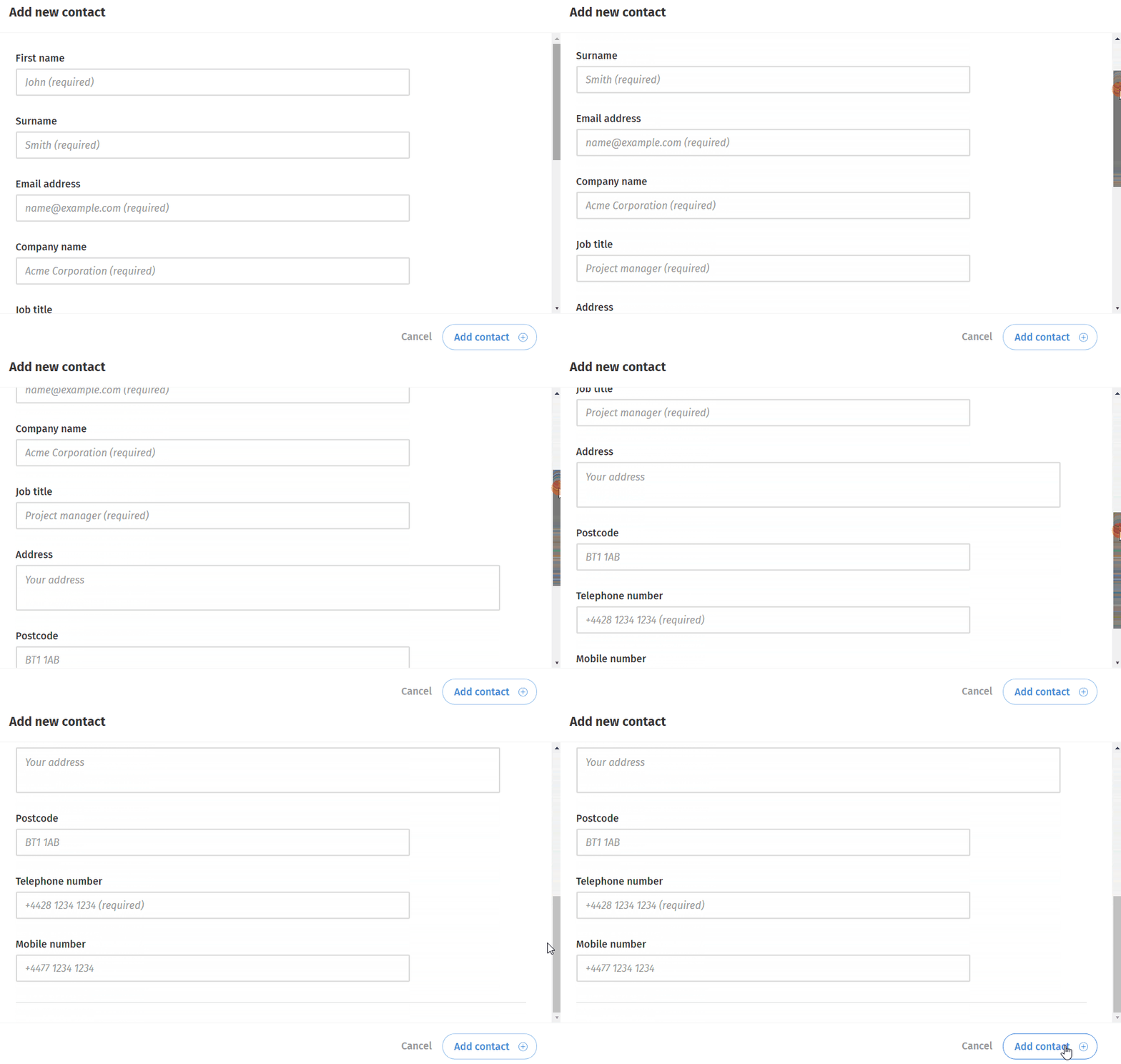
then fill in all details of the contact and click the “Add contact” button to proceed.
Send a message by clicking the “Send (name) a message” button below contact details.